Get more with your data with the WorkflowMAX MCP Server
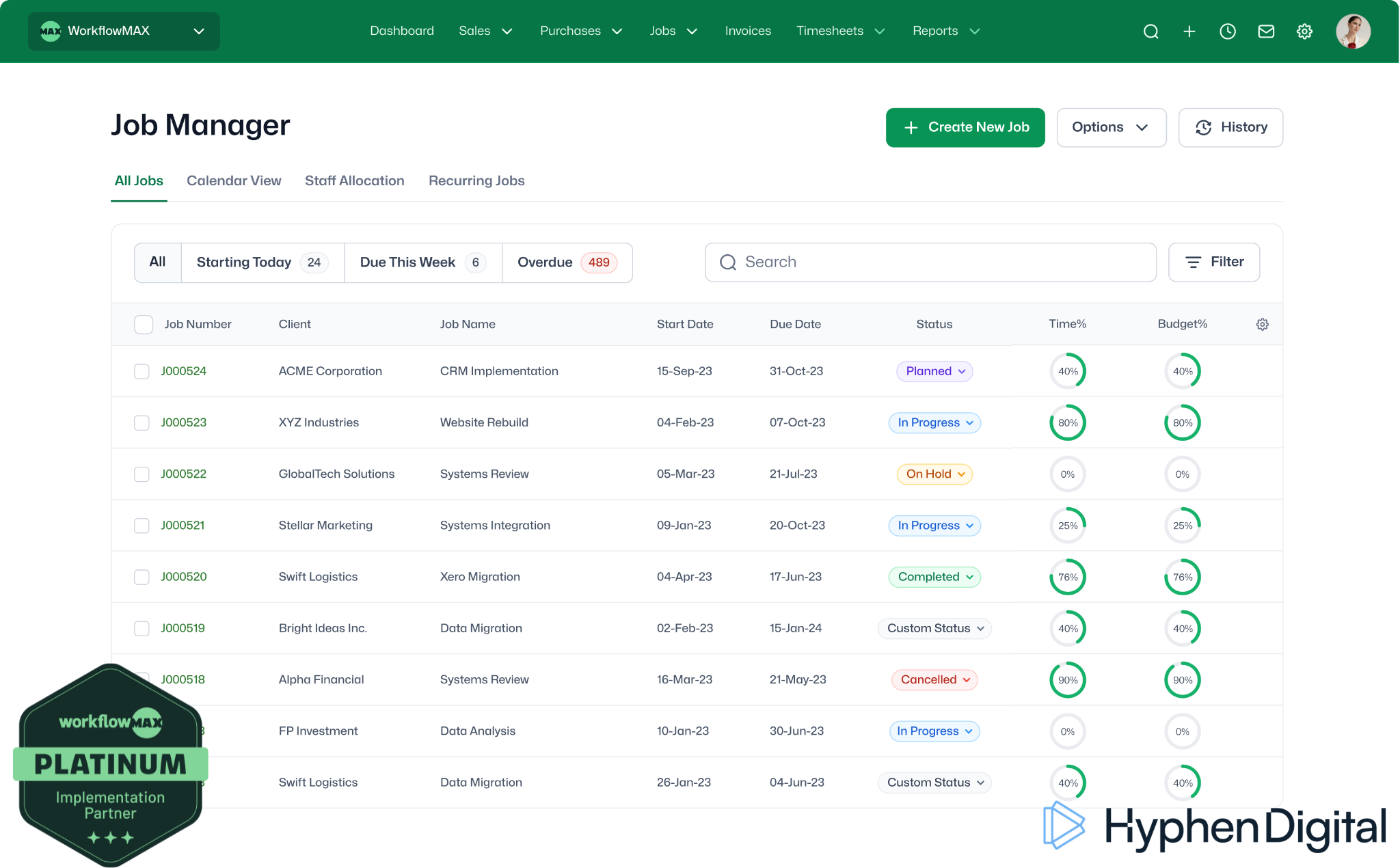
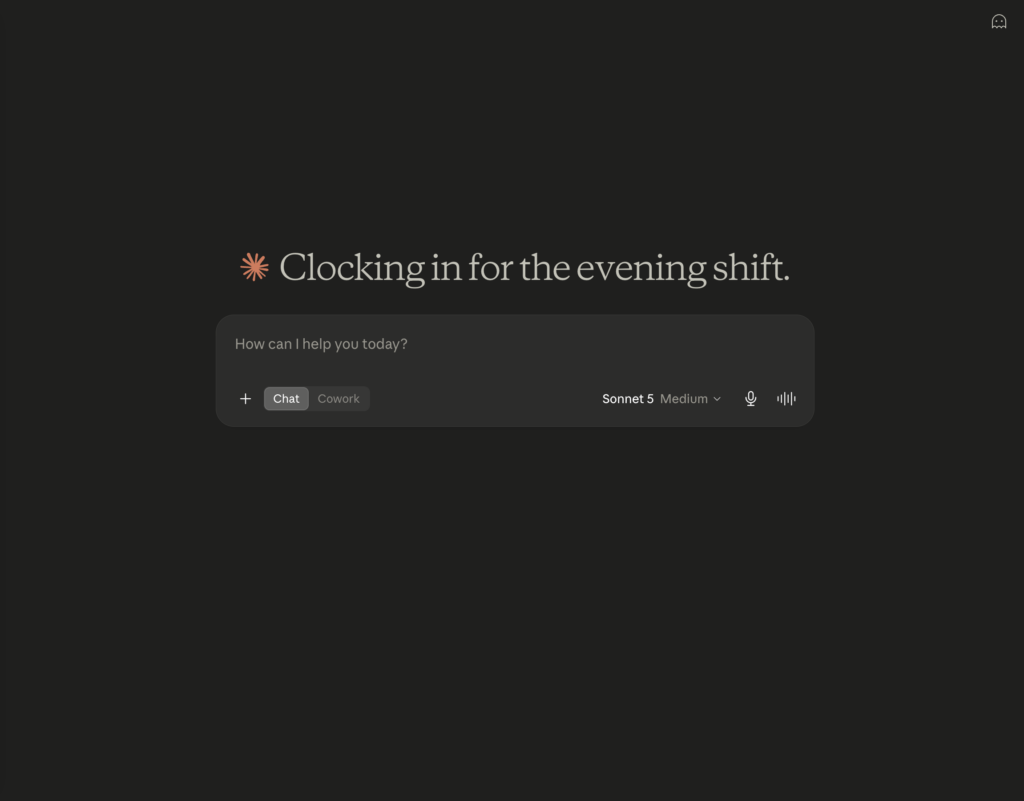
With the WorkflowMAX MCP Server, you can now connect to your AI assistant. No logging in, no clicking through screens.

Sound familiar?
Digging through WorkflowMAX for one answer?
- Switching between multiple tabs to keep on top of your projects
- Copying job details into an email by hand
- Your team avoiding a tool because it takes too many clicks
- Curious about Claude or ChatGPT, but not sure how it can help you with Project Management
- Wondering if you're already behind on AI
Just ask, and it's done
- Ask "where's the [client] job at?" and get logged hours back in seconds
- Draft a quote from a client email in seconds
- Build a dashboard for aged WIP in seconds
- Your team using AI for real work, not a novelty
- Read and Write data directly into WorkflowMAX
See it in action
Watch the WorkflowMAX MCP handle a real job in under two minutes
Perfect for
New to AI
Never used Claude or ChatGPT for work before? This is a plain English way in, no technical setup on your side.
Already on WorkflowMAX
Full access is included on the Advanced plan, with a 14-day free trial open to everyone else.
Curious
Want to see it handle a real job before trusting it with your own data? Start with a demo.
With WorkflowMAX MCP, you can:
What it gives each part of your team
Directors
Ask for a summary of any client's job history before a call, or a status check across every live job, without opening WorkflowMAX
Project leads
Check hours logged against estimate on a job, or get a quote drafted directly from a client email or RFP
Finance
Generate draft invoices (time-based, quoted, percentage, fixed amount or final) ready for review, or pull a summary of outstanding POs
Daily users
Log a timesheet entry or check a job's status in a sentence, instead of navigating to the right screen
Three prompts to try once you're set up:
"Show me every job in progress for [client] and how many hours have been logged against the estimate."
"Draft a 50% deposit invoice for the [X] project."
"Prepare a draft quote for [client] based on this RFP."
What our clients say
"Josh is very knowledgeable about the product and WorkflowMAX’s capabilities and features, and applied this knowledge to our business processes, suggesting improvements along the way.
– Helle McArthur, Finance Manager - Woolf Bond Planning
“Josh was an invaluable support during this time, particularly to me, guiding us through every step of the migration and continuing to help with everyday queries ever since.”
– Gemma F., Operations Manager, Electrical Engineers
Contact Us
Want to find out more about WorkflowMAX?
Interested in the MCP server? Capacity Planning or Leave Management? Fill out the form below for more information.
FAQs
Frequently asked questions
What is the WorkflowMAX MCP server?
WorkflowMAX MCP connects an AI assistant, like Claude or ChatGPT, straight to your WorkflowMAX account.
Instead of logging in and clicking through screens, you type what you want in plain English, and it fetches the answer or does the task for you.
Do I need a specific WorkflowMAX plan?
Yes. Full access is included on the Advanced plan, and everyone else can try it free for 14 days.
Not sure which plan you’re on? We’ll check for you as part of a setup call.
Is it safe to let AI create invoices and quotes in WorkflowMAX?
Absolutely. Nothing is approved or sent without your approval.
We recommend reviewing anything it creates, especially invoices and quotes, until you’re confident in how it works. We help you set up that check so nothing goes out by mistake.
Do I need my own Claude, ChatGPT or other AI subscription?
Yes. You’ll need your own paid subscription to an AI assistant that supports this, like Claude, ChatGPT, Gemini or Microsoft Copilot.
I'm not using WorkflowMAX yet, is this still relevant to me?
Yes. MCP is one more reason to look at WorkflowMAX. See how we implement WorkflowMAX for UK practices and book a discovery call to find out if it’s the right fit.