
TLDR: Choosing project management software for a professional services firm works best as a framework, not a feature hunt. Start from how the firm bills, define criteria weighted to your own workflows, run structured demos, then pilot one live project before you commit.
- Start with billing: fixed-fee, time-and-materials and retainer work each demand different things from a tool.
- Weight criteria by what breaks money: time capture, budget vs actuals, resourcing, variations, and Xero integration.
- Shortlist with a scorecard and disqualifying must-haves, then ask demo questions that expose workarounds.
- Pilot one real project for about 30 days with real users, then decide.
Most firms get this wrong by letting a demo drive the decision. The right order is the reverse: your workflows drive the demo questions.
What “Project Management Software for Professional Services” Actually Means
Generic project management tools track tasks and deadlines. A professional services firm needs more, because you sell time and expertise. The tool has to answer questions a task board never will: which projects make money, who is overloaded, what work has been done that nobody has billed yet, and how much cash is sitting in work in progress.
This is where professional services software overlaps with PSA (professional services automation) software: the same category, viewed from different angles. PSA tools add time and expense capture, resourcing, billing and profitability reporting on top of project tracking. We explain the terminology in more detail in our guide to PSA software.
The practical difference shows up in the reports. A generic tool tells you a task is 80% complete. A professional services tool tells you the project has burned 90% of its fee budget, and that you are on track to deliver it at a loss while you can still do something about it.
Start From How the Firm Bills
Before you look at a single product, write down how your firm actually charges. Each billing model stresses a different part of the software.
Fixed-fee projects. The system must track budget burn against the original fee, including the value of work done rather than just hours logged. If a project runs over, you need to see margin erosion before the final invoice, not after.
Time-and-materials work. Time capture accuracy is everything. Timesheets need to be quick enough that people actually fill them in, and the rates behind them need to be right, or the invoices are wrong.
Retainers and stage-fee work. If you work to RIBA stages or monthly retainers, the tool has to handle recurring, stage-based invoicing. Many generic tools can’t bill by stage at all, or need a manual spreadsheet bridge.
Most firms mix all three. That mix is a key test later: a tool built purely for one model usually handles the other two badly.
The Core Evaluation Criteria
Score every option against these five areas. They map to where money leaks in a services firm.
1. Time and expense capture. Can staff log time against a project in under a minute, on mobile, with billable vs non-billable flagged at entry? If timesheets are painful, people skip them, and every downstream number (utilisation, margin, WIP) becomes unreliable.
2. Resourcing and capacity planning. Can you see who is available next month, across confirmed and tentative work, before you sign a new fee proposal? Capacity planning is one of the most common gaps firms discover only after buying.
3. Budget vs actuals and margin reporting. Can a director open one screen and see fee budget, hours logged, costs incurred, and projected margin per project, live? Ask the vendor to show this with your numbers, not theirs.
4. Contract variations. When scope changes, can you log the variation against the contract, quote it, get approval, and invoice it, all inside the same system? If variations live in email and invoices live in the tool, revenue leaks. We look at this problem in our article on contract variations and percentage fees.
5. Reporting and dashboards. Can you see WIP, utilisation and cash in one place, without exporting to spreadsheets every month? The honest test: ask for your three most important management reports and watch who builds them.
A useful external reference while you build your own list is Birdview PSA’s professional services software requirements checklist, which covers similar ground in detail.
Integration: Why Xero Sync Matters More Than It Sounds
If your firm runs on Xero, integration quality can make or break the purchase.
Two-way sync beats export. A native, two-way Xero sync keeps clients, invoices, payments and sometimes timesheets consistent in both systems automatically. A CSV export means someone re-keys data, and the two systems drift apart. Within weeks, you have two versions of the truth: Xero’s aged debtors say one thing, the project tool’s WIP report says another, and month end becomes a reconciliation exercise.
What breaks when time and invoices live in separate systems:
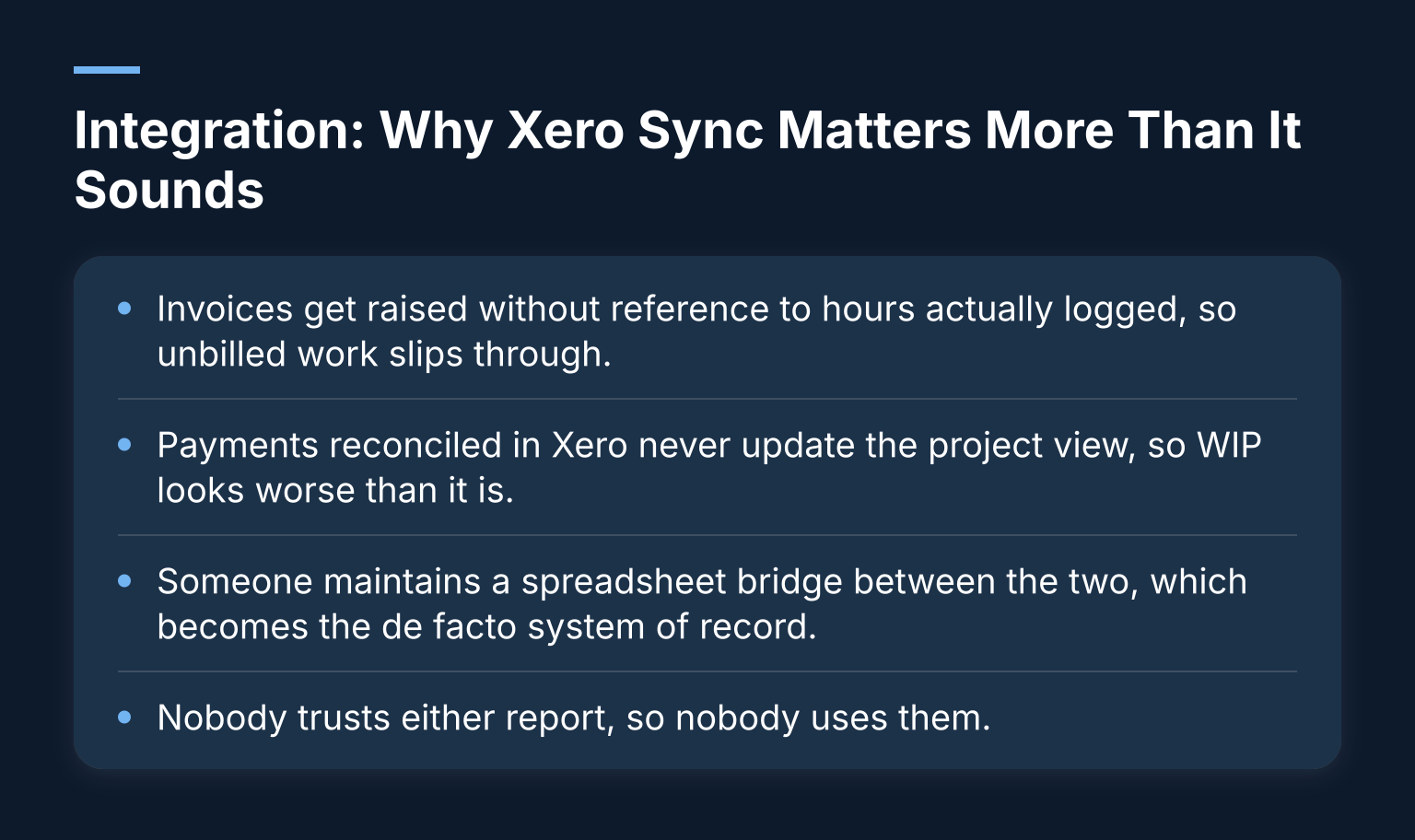
- Invoices get raised without reference to hours actually logged, so unbilled work slips through.
- Payments reconciled in Xero never update the project view, so WIP looks worse than it is.
- Someone maintains a spreadsheet bridge between the two, which becomes the de facto system of record.
- Nobody trusts either report, so nobody uses them.
Ask each vendor directly: is the Xero connection native and two-way, what objects sync (contacts, invoices, payments, timesheets, expenses), and what happens when a record fails to sync? For a deeper look at this criterion, see our guide to Xero project management apps.
List Your Hard Constraints Before Any Demo
Write these down before you speak to a vendor, because vendors will happily redefine your constraints for you.
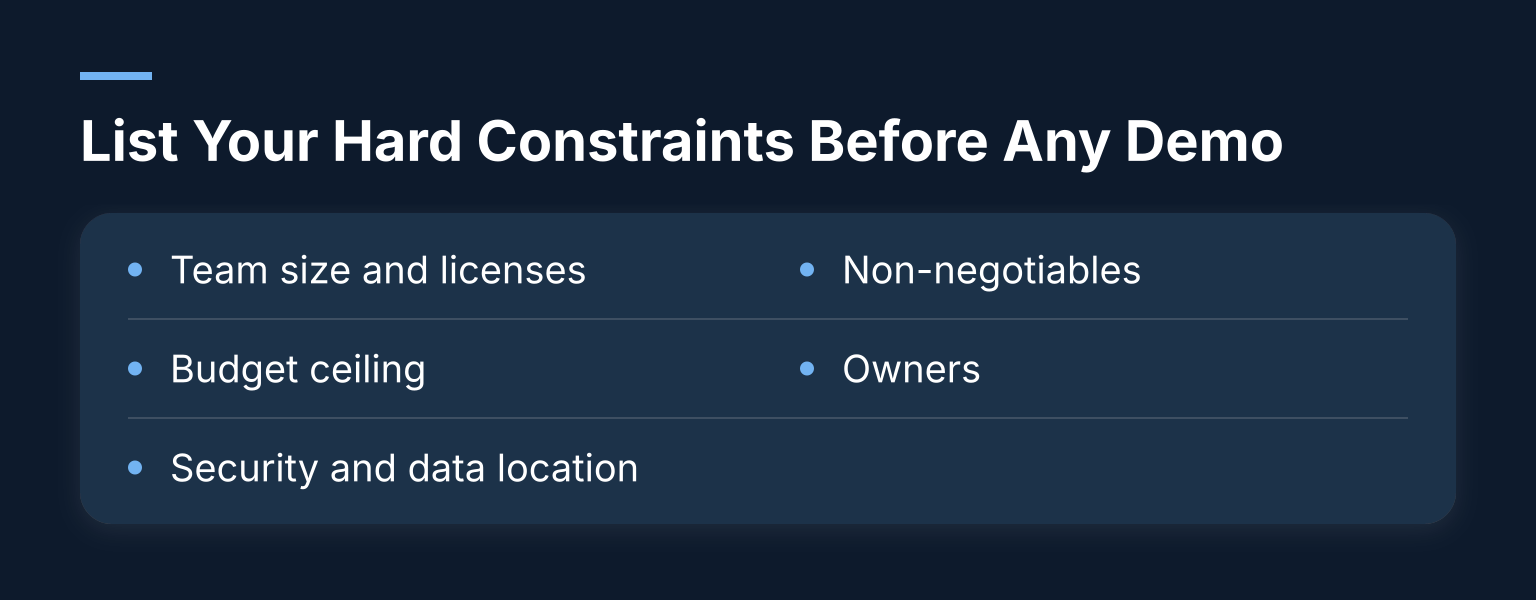
- Team size and licenses: how many people need access, including occasional users like directors.
- Budget ceiling: a total ceiling including implementation, training and migration, not just the monthly license.
- Security and data location: where client data is hosted, and who can see what.
- Non-negotiables: the two or three criteria a tool must have to stay in the running at all.
- Owners: one named person owns each criterion, so scoring isn’t a group shrug.
Our general step-by-step software selection guide for SMEs walks through this constraint-setting stage in more depth.
Shortlist With a Weighted Scorecard
Score every candidate against the same criteria, weighted by importance to your firm. A simple version:
| Criterion | Weight | Must-have? | Owner | Score (1-5) |
|---|---|---|---|---|
| Time and expense capture | High | Yes | Practice manager | |
| Budget vs actuals / margin reporting | High | Yes | Finance lead | |
| Native two-way Xero sync | High | Yes | Finance lead | |
| Resourcing / capacity planning | Medium | No | Director | |
| Variations handling | Medium | Depends | Director | |
| Dashboards / WIP reporting | Medium | No | Director | |
| Ease of use for timesheet users | High | Yes | Team rep |
Two rules keep the scorecard honest. First, any “must-have” marked Yes is a disqualifier: if a tool fails it, it’s out, regardless of its total score. Second, distinguish demonstrated from promised. A vendor who shows the capability in the product scores higher than one who says it’s on the roadmap.
Demo Questions That Separate Capability From Workarounds
Vendors demonstrate best-case scenarios with their own sample data. Take control with questions tied to your real situations.
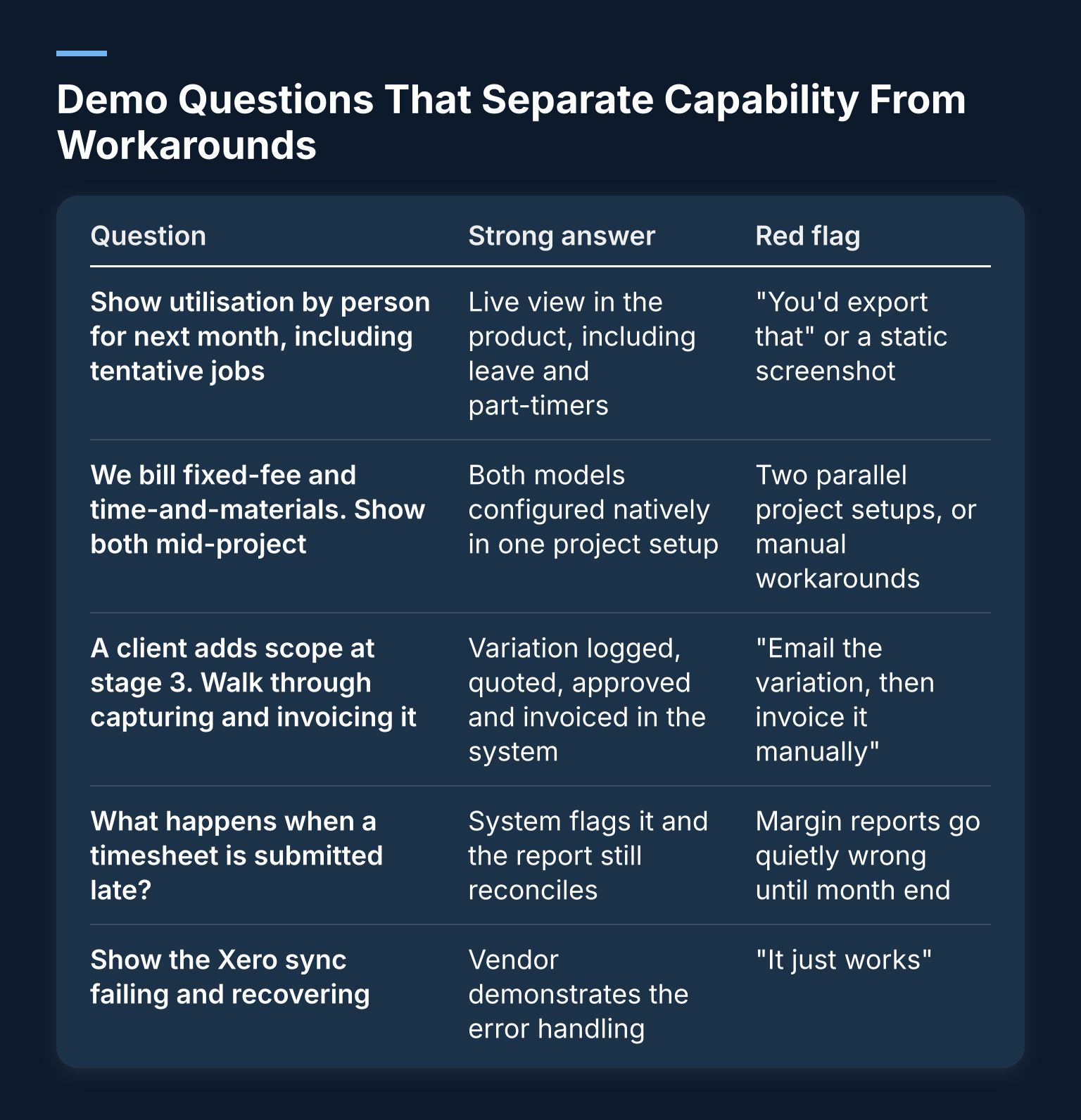
| Question | Strong answer | Red flag |
|---|---|---|
| Show utilisation by person for next month, including tentative jobs | Live view in the product, including leave and part-timers | “You’d export that” or a static screenshot |
| We bill fixed-fee and time-and-materials. Show both mid-project | Both models configured natively in one project setup | Two parallel project setups, or manual workarounds |
| A client adds scope at stage 3. Walk through capturing and invoicing it | Variation logged, quoted, approved and invoiced in the system | “Email the variation, then invoice it manually” |
| What happens when a timesheet is submitted late? | System flags it and the report still reconciles | Margin reports go quietly wrong until month end |
| Show the Xero sync failing and recovering | Vendor demonstrates the error handling | “It just works” |
Teamwork’s PSA features and requirements guide makes a similar point: the simplest requirement, time attaching cleanly to a project, a rate and an invoice, is the one most tools get wrong.
Run a Real Pilot Before You Commit
A pilot with dummy data proves nothing. Dummy data has no messy variations, no part-time staff, no invoices already in Xero.
Instead, run one live project in the tool for about 30 days:
- Pick a representative project, ideally one with a variation or a mixed billing model.
- Onboard the real users: the people who will timesheet, invoice and report, not just the champion.
- Migrate just that project’s data, connected to live Xero.
- Keep the old process running in parallel for a month.
- At the end, compare: did timesheets get filled in? Do the tool’s numbers and Xero’s agree? Would you trust the margin report?
If the pilot reveals friction, that is the point. Finding it now costs a month. Finding it after a full rollout costs far more.
Common Pitfalls That Cause Expensive Wrong Purchases
- Buying the deck. A polished demo is marketing, not evidence. Everything scored must be demonstrated in the product with your scenarios.
- Skipping the pilot. The most common and most expensive shortcut.
- Committee drift. Six people scoring six tools leads to a consensus total that hides each team’s non-negotiables. Name criterion owners instead.
- Hidden costs. Implementation, data migration, training and per-seat creep often exceed the license in year one. Ask for a full first-year cost, not a monthly rate.
- Weak support after go-live. Ask who you call when the sync breaks, and how quickly a human responds. A tool is only as good as its second month.
De-Risk the Choice With a Structured Fit Assessment
We use the framework above to work with clients at Hyphen Digital. Our app fit sprint maps your firm’s real workflows, identifies what the software must handle, and tests candidates against your criteria before you commit to anything, so you decide based on evidence rather than a good demo.
If you’d rather talk it through, book a discovery call to discuss your current systems, what’s not working, and the potential next steps. We work with UK built environment and professional services firms with 5 to 50 staff, and you can read more about our successes on our case study page.